My Guys Time

Simple Construction Time Cards

Track crew hours without the Thursday-at-5pm scramble.

My Guys Time is a contractor hour tracking app built for small crews. Your guys log hours from the field, you review the week from the office, and the totals come out clean. Roofing, masonry, landscaping — any trade.

See construction time tracking for small crews — log hours from the truck, review the week in the office.

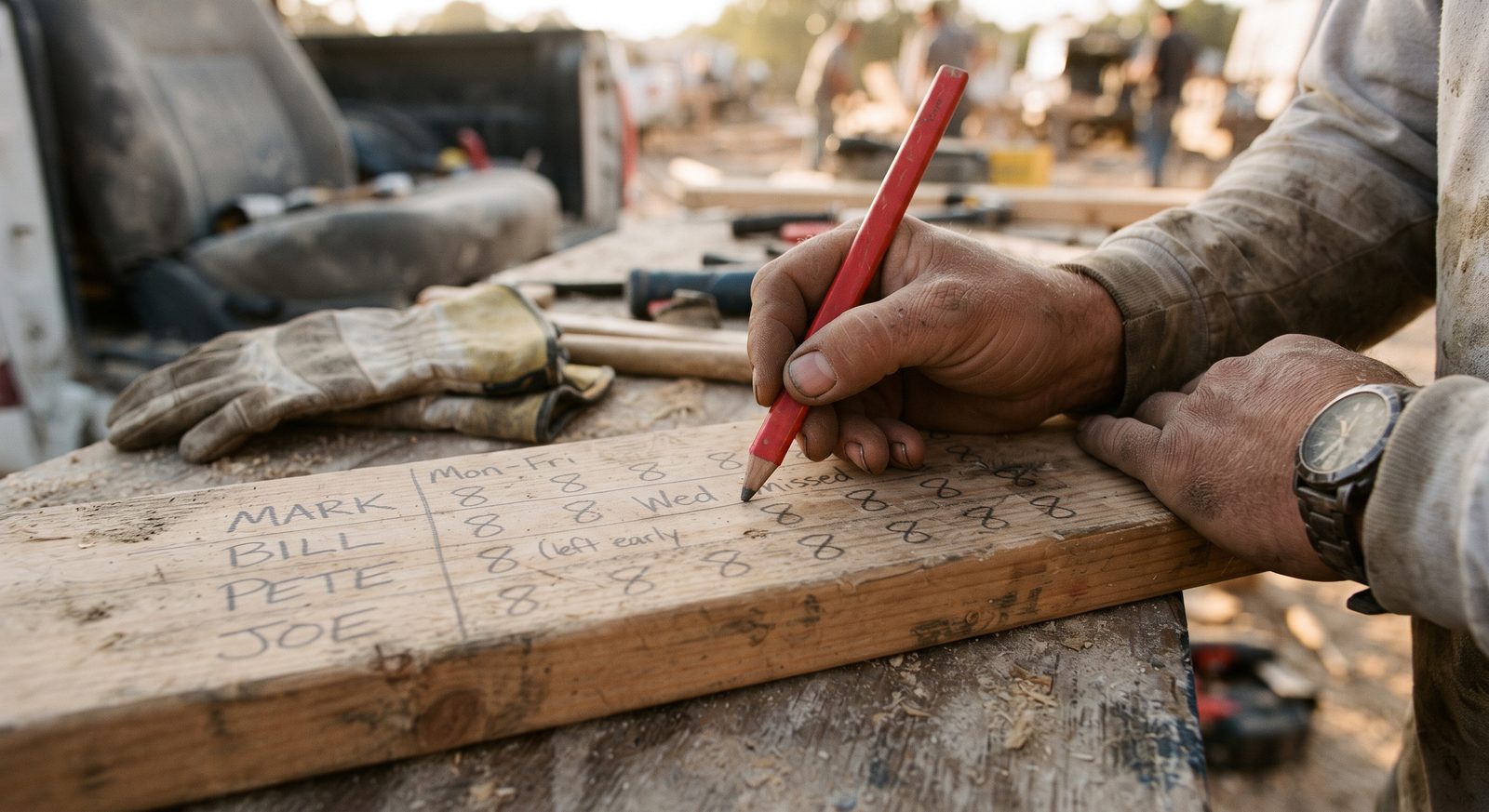
Stop using crinkled notebooks or scraps of wood from the job site to track hours.

See how it works

$12/month flat for the whole company — 7 days free, no per-seat fees, cancel anytime.

Live demo

See it working in 30 seconds.

Pick a role and poke around the real app — no signup, no password. Or head straight to the demo.

Contractor hour tracking app for roofing, masonry, landscaping, and other small crews that need simple job site time cards without office bloat.

Weekly crew board

Time card ready

Weeks to review

3

Hours logged

148

Missing confirmations

2

Luis Ortega

Masonry Crew

Foreman Approved

Mon

7:00 - 3:30

7.5h

Tue

7:00 - 3:30

7.5h

Wed

7:00 - 3:30

7.5h

Thu

7:00 - 3:30

7.5h

Fri

7:00 - 3:30

7.5h

Sat

--

0h

Sun

--

0h

Adjusted

37.5h logged

Office review

Time cards and office handoff

  • Weekly hours
  • Gross pay estimate
  • Receipts
  • Private office-only reports
Why this exists

Built by a contractor, for contractors.

I used to track hours on a chunk of 2x6 I kept behind the truck seat. Scribble the hours, done. It worked fine when it was my small crew and I was there to write it down.

Handwritten crew hours and names on a board, written with a carpenter's pencil

Then I put a foreman on a second crew, and every Thursday at 5pm they'd try to reconstruct the entire week from memory while trying to get home. It was a mess.

I went looking on the Play Store. Everything was built for office people, and every one of them wanted to charge me per guy. Why should the app cost more because you hired another guy?

So I built it. One flat price, the whole crew, made by a contractor.

Why crews use it

Hours in the field. Totals in the office. Nothing in between.

Not a heavy office system. Just a clean way to check hours, review the week, and hand off time-card totals.

How it works

Simple weekly workflow for crews and office

1
2
3
4
Feature snapshot

Small feature list, focused on weekly work—no bloat

The short list below is construction time tracking for small crews: hours from the truck, a weekly review, and a clean handoff.

Contractor hour tracking app built for small crews

Simple construction time card workflow

The office reviews the week and hands off verified hours

Manage multiple crews on different jobs seamlessly

Pricing

One price. The whole crew.

$12/month

Flat. No per-seat fees, no tiers, no surprises.

  • Every foreman, worker, and office user included
  • Try before you buy — 7 days free, a full pay period before you pay a dime
  • Hiring another guy never raises your bill
  • Cancel anytime from the billing portal — no contracts, no phone calls
Questions

Asked by contractors, answered straight

Do I need to install anything?

No app store, no downloads forced on anyone. It runs in the browser and installs to the home screen like an app on any phone — open the site menu and choose 'Add to Home Screen' when your phone offers it.

Do I pay per employee?

No. $12 a month covers the entire company — foremen, workers, office, all of them.

Does it handle 1099 subs or just W-2 guys?

Both. Mixed crews are normal; the app doesn't care how you classify them.

What if my guys buy materials out of pocket?

Log the receipt on his time card. It stays on that week as a list, with a photo. It is not added to his hours or to the gross pay estimate.

What happens after the 7-day trial?

The $12/month subscription starts. Cancel anytime before that and you pay nothing.

Can I cancel?

Anytime, from the billing portal. No contract, no retention call.

No bloat

Hours in the truck. Totals in the office.

Not a heavy office system with seventeen modules you'll never open. Just clean hour tracking, weekly review, and totals the office can actually use.

Try the demo